How can we help you ?
Frequently Asked Questions
Of course !
Our webshop and our stores are accessible to both individuals and professionals.
You will find a wide selection of quality products, and our teams will be happy to advise you according to your needs !
Have you already purchased items in store or have you already ordered from us ?
You may already have a customer account with us. Request your access !
Managing passwords can be a real pain when we have multiple accounts. But don't worry, this problem can be quickly solved!
1. Go to the login page (clickable link)
2. Click the "Reset Password" button in the login tab.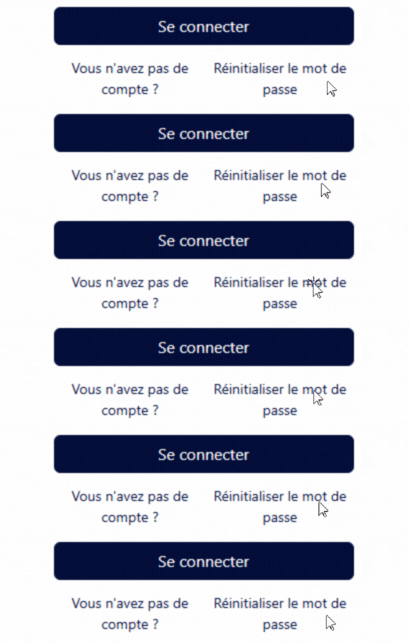
2. Enter your email address: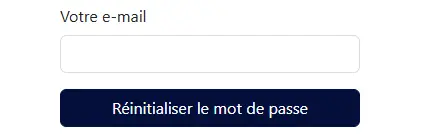
3. An email has been sent to you. Now follow the instructions in the email.
Enter a new password and log in !
Thanks to the new features of our Webshop, it couldn't be simpler !
Computer Version
1. Go to your customer area: Click on your customer name, located between the language and the "Contact Us" button. Then click on the "My Account" button.
2. Enter the module: Your invoices View your invoices with their invoice date, due date and status.
3. Your detailed invoice in one click! View your invoice by clicking on the invoice number. From this detailed view, you can:
- View your invoice details
- Pay your bill
- Download your invoice
Mobile Version
1. Go to your customer area: Click on the three horizontal bars in the top right corner of your screen. This opens a panel; scroll to the bottom of it. Click on your customer name, located above the language selection and the "Contact Us" button. Then click on the "My Account" button.
2. Enter the module: Your invoices View your invoices with their invoice date, due date and status.
3. Your detailed invoice in one click! View your invoice by clicking on the invoice number. From this detailed view, you can:
- View your invoice details
- Pay your bill
- Download your invoice
Can't find your invoices? Contact our accounting department.
Fill out the form
Thanks to the new features of our Webshop, it couldn't be simpler !
Computer Version
1. Go to your customer area: Click on your customer name, located between the language and the "Contact Us" button. Then click on the "My Account" button.
2. Enter the module: Your orders Discover your orders with their creation date, delivery status and amount.
3. Your detailed order at your fingertips! View your order by clicking on the order number. From this page, you can:
- View order information
- Access the invoice related to your order
- Check your delivery notes
- Download your order form
Mobile Version
1. Go to your customer area: Click on the three horizontal bars in the top right corner of your screen. This opens a panel; scroll to the bottom of it. Click on your customer name, located above the language selection and the "Contact Us" button. Then click on the "My Account" button.
2. Enter the module: Your orders Discover your orders with their creation date, delivery status and amount.
3. Your detailed order at your fingertips! View your order by clicking on the order number. From this page, you can:
- View order information
- Access the invoice related to your order
- Check your delivery notes
- Download your order form
You have placed an order with home delivery via B-Post and you would like to track your order?
No problem !
1. Check your email inbox
Once we confirm your order is complete, you will receive an email from Bpost with tracking information.
You can then track your package on the Bpost website.
2. Check your order
Follow the instructions in the question "How do I view my orders?".
Once you're in your order details, copy the tracking number from the "Latest delivery notes" column.
3. Paste your tracking number
Go to the B-Post website and paste your tracking number to track your parcel.
-> Link to the B-Post website.
Our sales representatives will be happy to visit you and advise you.
To do this, we need to determine what type of need you have :
For a visit from a sales representative specializing in raw materials
Fill out the form
For a visit from a sales representative specializing in heavy equipment and machinery
Fill out the form
Contact a store

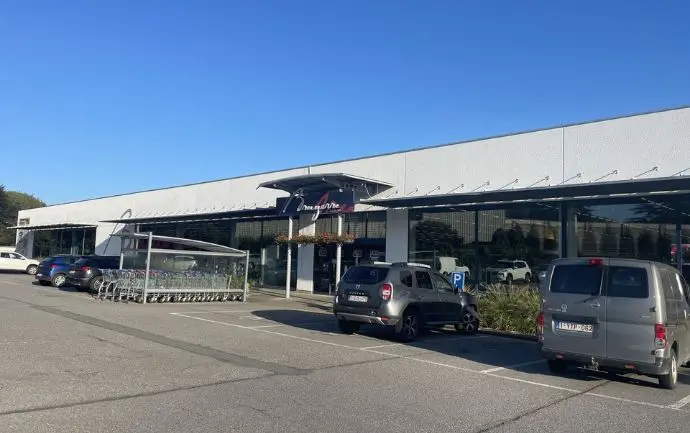
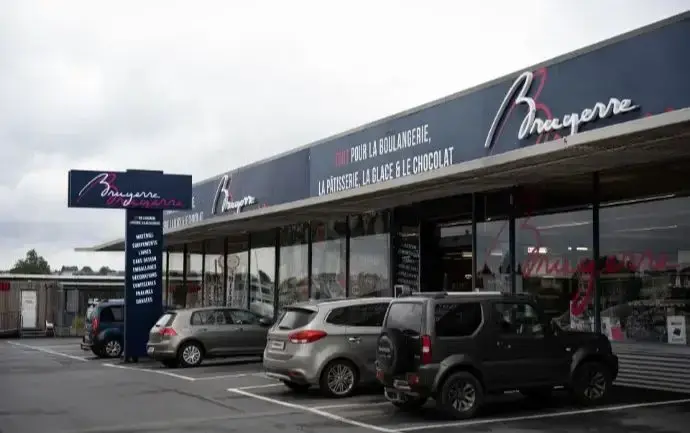

Maximize your customer experience!
Visit our page to understand everything and take advantage of our tools!